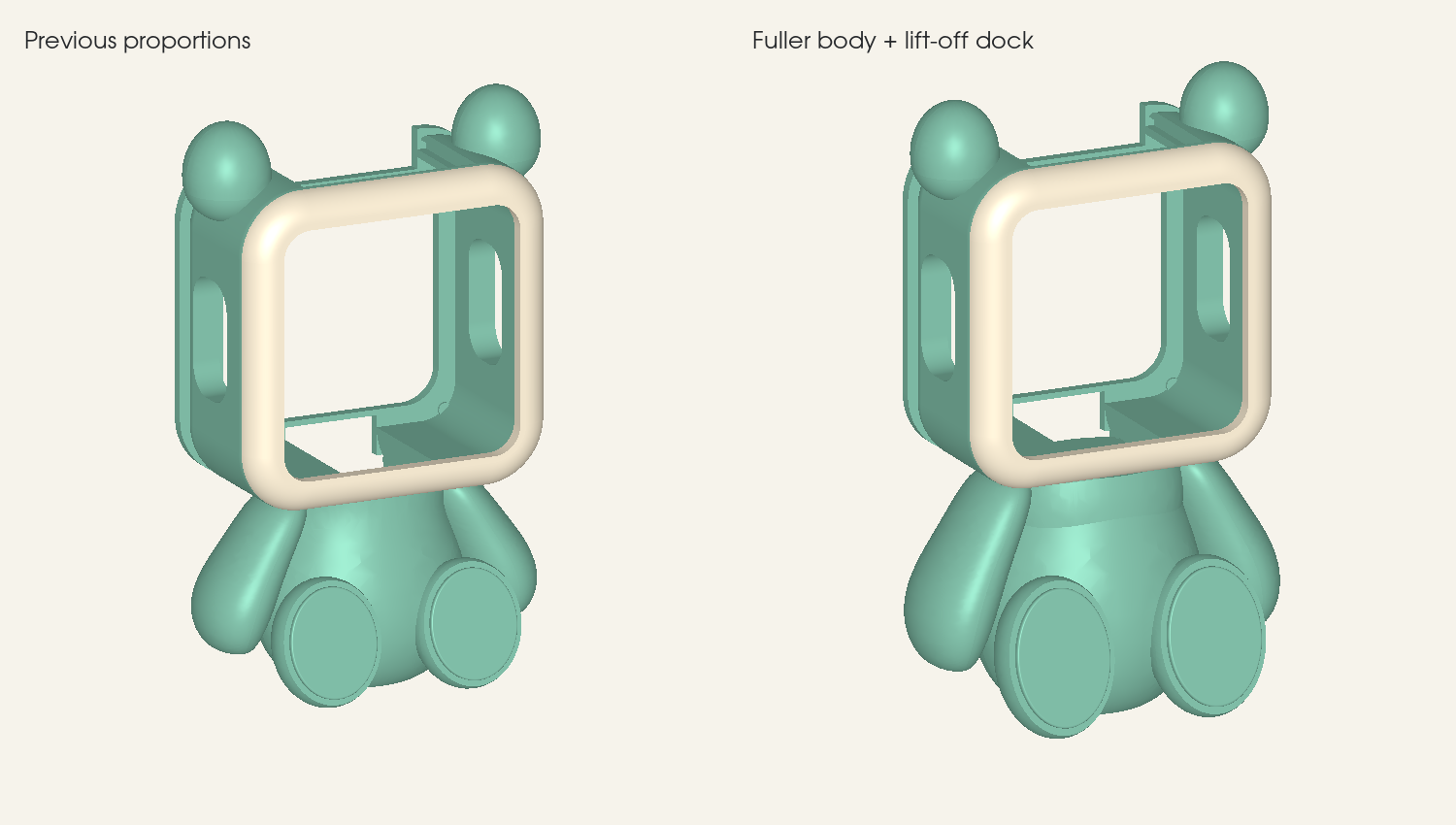
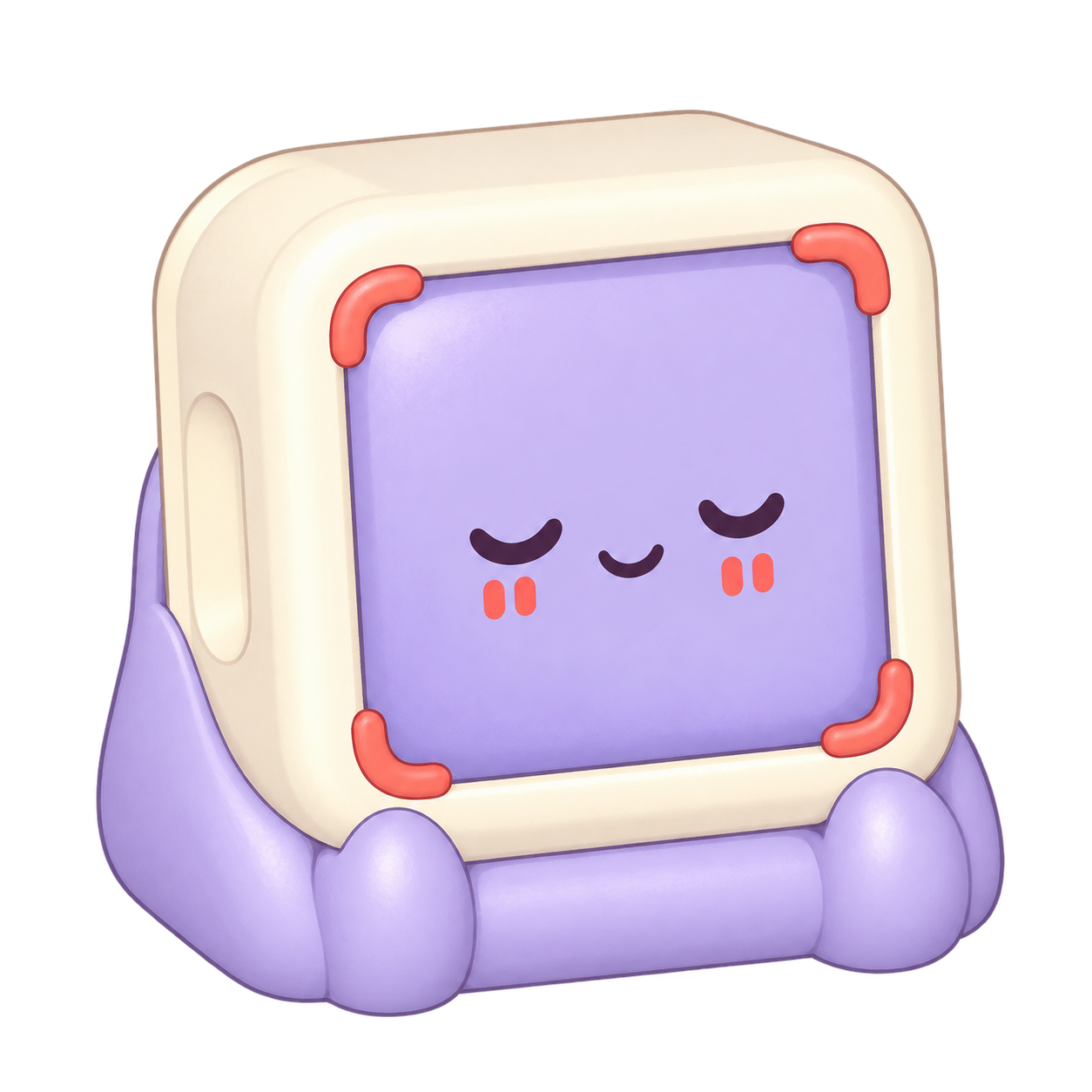
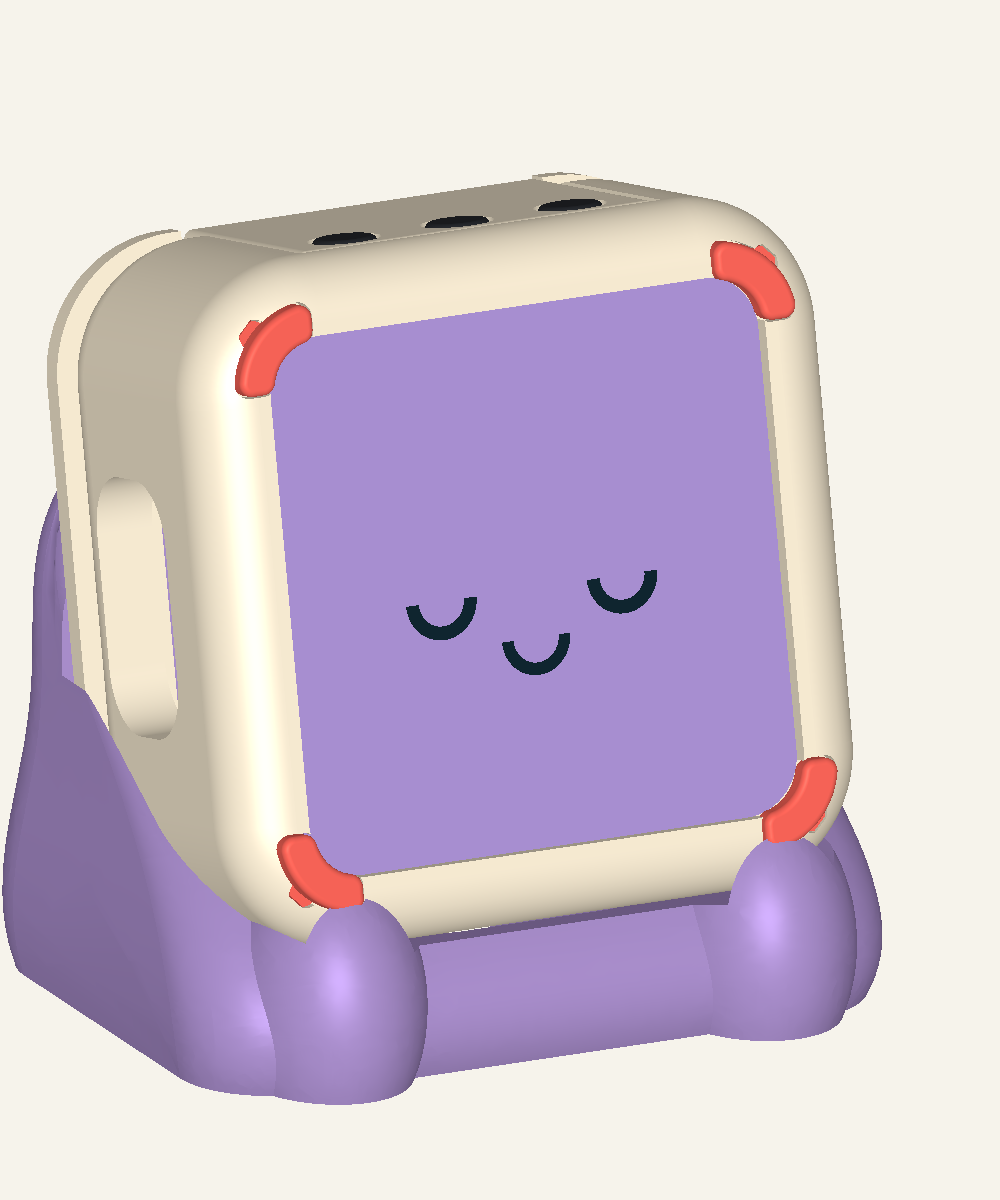
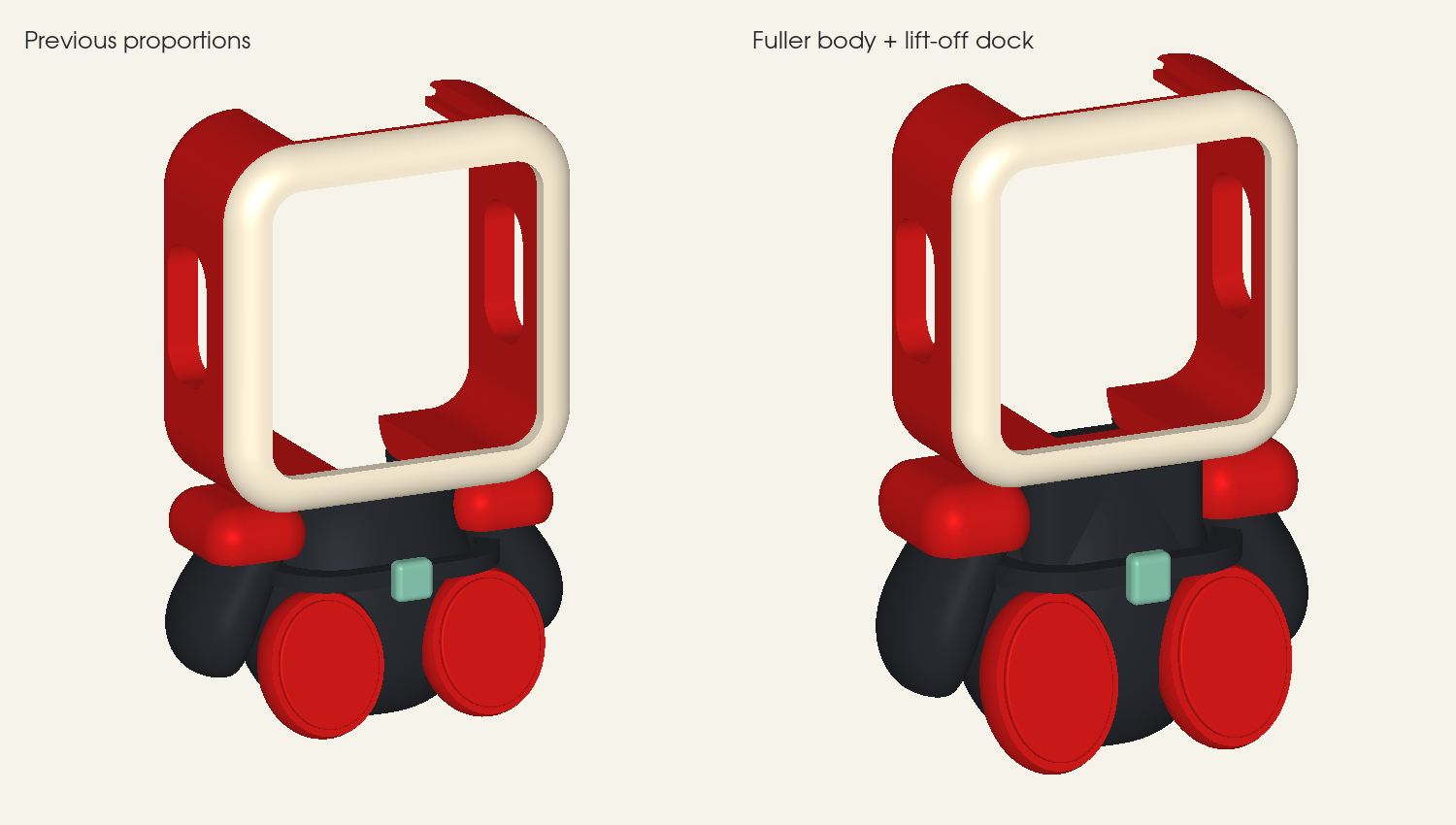
Meet the latest Waveshare companion designs below, with downloadable CAD fit studies. All three designs are based on the Waveshare ESP32-C6-Touch-AMOLED-2.16.
Guide in progressEnclosure fit studiesCAD available
Meet your companions
A little character. A little more movement.
Choose Kine, Mochi or Roko in the app. Sync once to give your cube the same face, even when your phone is away.
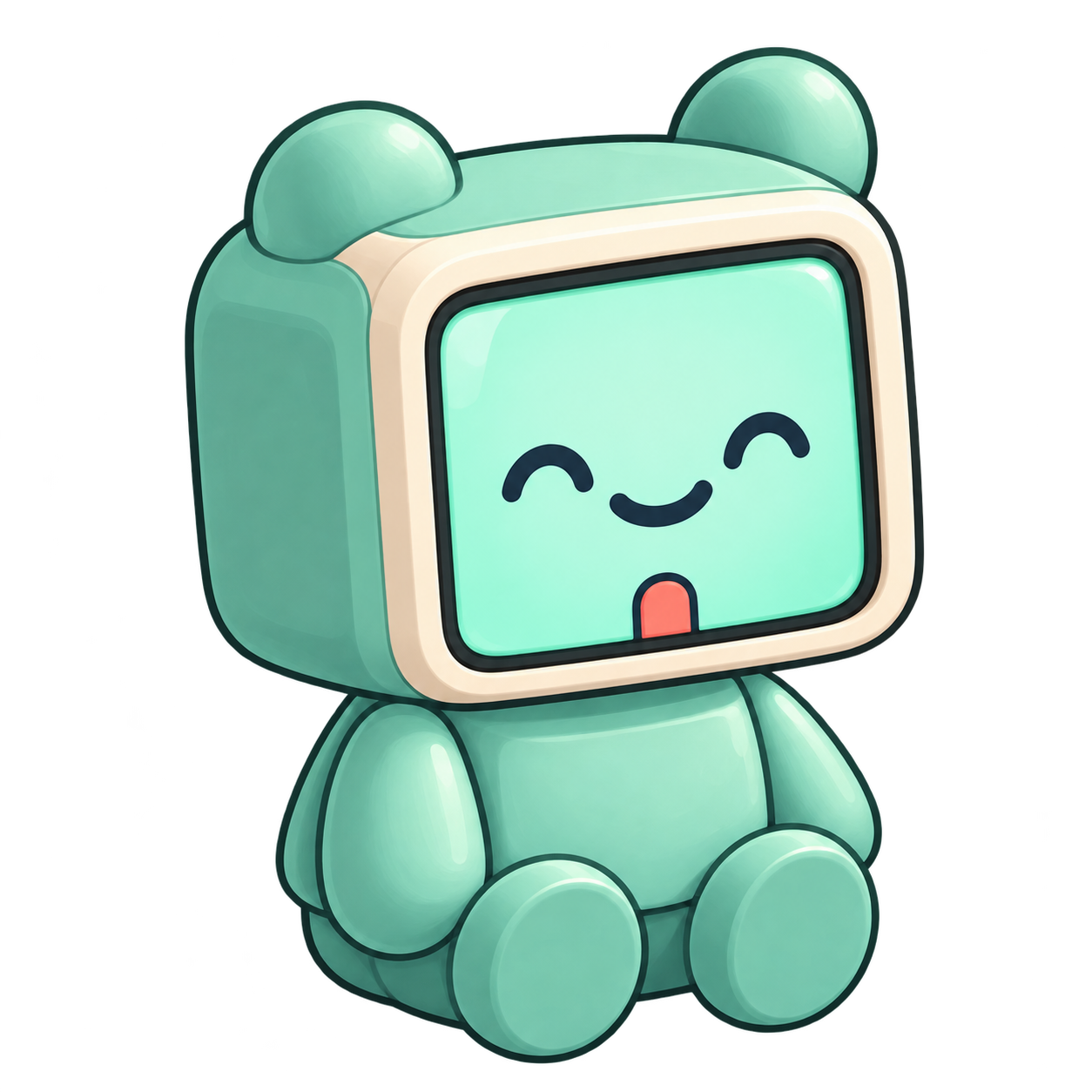
Kine✦✧
Character colour study
Desk dock V1 · integrated back V1
Ready when you are.
A fuller mint body stays on the desk while the keyed head lifts off. Includes the combined back/top cover, captive-button trials, fit coupons, STL, STEP and multicolour 3MF.
Current print-study geometry. Read START-HERE.md in the download before choosing parts.
Mochi✦✧
Character colour study
Keyed corners V2
Make room for a pause.
A cream sleeve with removable coral corners and an adapted lavender cradle. Includes fit coupons, STL and STEP, plus the compatible rear retainer, top cover and buttons.
Current print-study geometry. Read START-HERE.md in the download before choosing parts.
Roko✦✧
CAD proportion study
Desk dock V1 · integrated back V1
A little focus.
A fuller body with a lift-off head and combined back/top cover. Includes captive-button trials, fit coupons, STL, STEP and multicolour 3MF, plus an optional detachable saya and mounting back. Katana not included.
Current print-study geometry. Read START-HERE.md in the download before choosing parts.
Updated 29 September 2026. Mochi levitation V4 accessory study is a separate experiment: levitation and powered-electronics compatibility are unverified. It is not a complete enclosure kit.
CAD fit studies, not validated print kits. Hardware fit, button mechanisms and stability need a test print. All three designs use the Waveshare ESP32-C6 Touch AMOLED 2.16. Companion sync requires the updated Waveshare firmware.
Install or update your buddy
Connect your Waveshare cube to a computer with a USB data cable. Your companion starts with its eyes. Hold + and − together for five seconds when you are ready to pair.
The cube at the heart of the companion designs, with a 2.16-inch touch display and three physical buttons.
Waveshare
USB-C data cable
For connecting the cube to your computer and installing firmware.
Required
Kine, Mochi or Roko enclosure
Download the companion CAD and STL files above. Check the design-specific hardware requirements before printing.
Fit study
One step at a time
From parts to first quarter turn.
01
Gather your parts
Use the Waveshare ESP32-C6-Touch-AMOLED-2.16 and check the hardware requirements in your chosen companion CAD package.
02
Print a little home
Download the versioned STL and source CAD, then follow the documented orientation and tolerance checks.
03
Bring it together
Seat the board without forcing connectors. Keep the USB port, three top buttons and display accessible.
04
Give it its instructions
Use firmware built specifically for the Waveshare ESP32-C6-Touch-AMOLED-2.16. Follow its flashing and recovery instructions.
05
Meet your app
Grant Android Bluetooth permissions, scan for the cube and atomically activate your first program.
06
Try your first twist
Confirm one deliberate quarter turn, upright text, correct targets, rejected small movements and recoverable undo.
Before your buddy is ready
A few little checks.
Screen faces you in the starting orientation.
One deliberate 90° twist confirms exactly once.
Desk bumps, off-axis tilts and incomplete turns are rejected.
Exercise changes and the display remains upright.
Count goals and timed countdowns match the app.
Undo restores the same target on both phone and cube.
Your companion build
Start with a fit study.
The Kine, Mochi and Roko CAD downloads above include the current design files. Printed fit checks and assembly validation are still required before these become complete build kits.

 Character colour study