Parent days
Use a short planned snack when a small window appears, without pretending a fragmented day is predictable.
 kinetwist
 MOVEMENT THROUGH THE DAY
A small movement. A slower breath. A companion by your side.
ANDROID · AVAILABLE ON GOOGLE PLAY
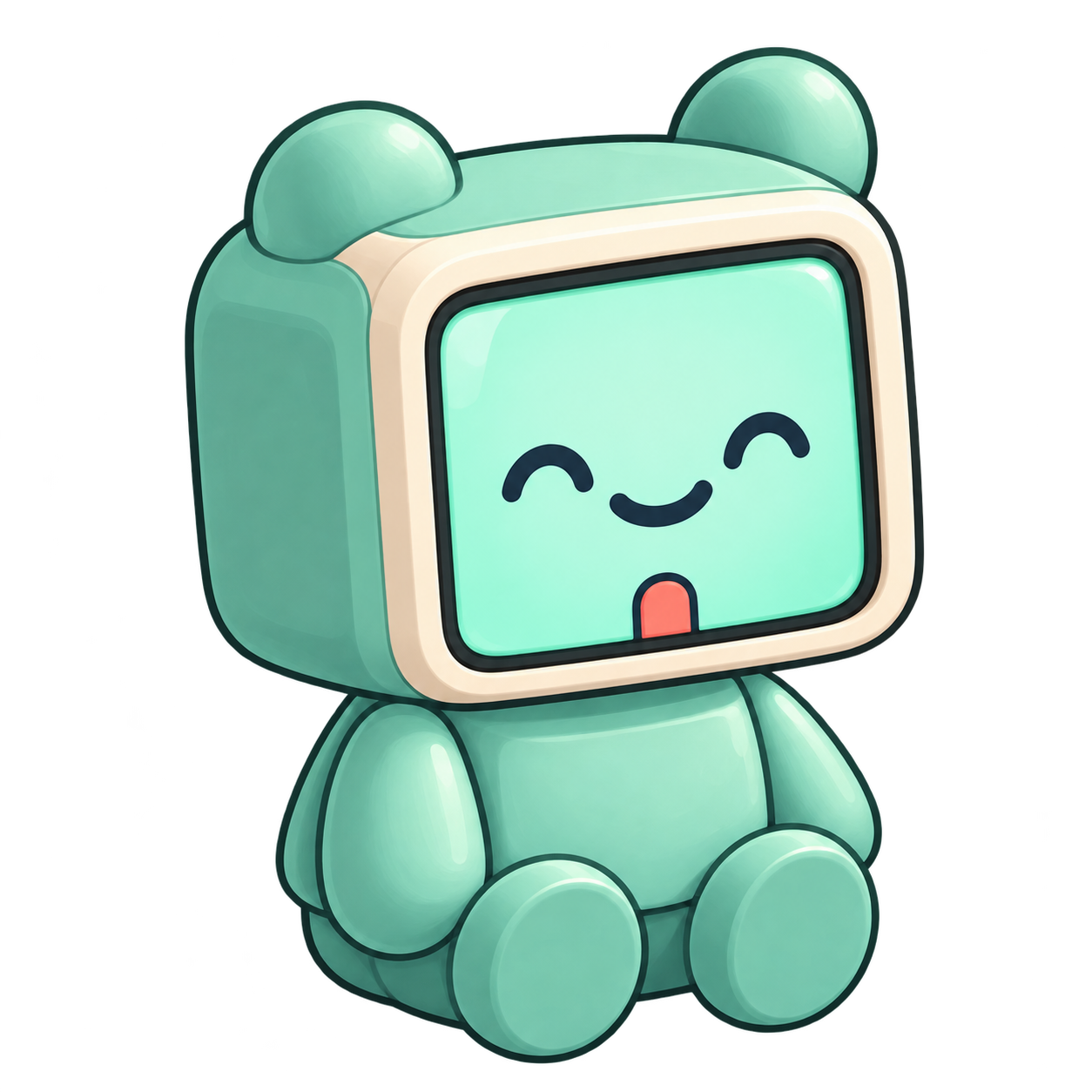
Meet your companion. Choose your face in the app.
HOW IT WORKS
Choose a daily context, a time budget and an optional area to focus on. Preview a starter plan from the curated movement catalog.
Complete the target, then confirm in the app or turn the cube by 90°. Timers and undo keep working offline.
Your confirmed moments become your local journey. Revisit your days with your companion. Kinetwist never claims to count physical repetitions.
MOVEMENT IN REAL LIFE
All physical activity counts, and short bouts are a practical way to add movement. Kinetwist complements structured training, recovery or clinical care rather than replacing them. WHO ↗ RESEARCH ↗
Use a short planned snack when a small window appears, without pretending a fragmented day is predictable.
Put a small movement between meetings or long stretches of sitting, with the next target already chosen.
Spread familiar accessory movements, mobility work or holds through the day instead of adding another session.
Begin with an intentionally easy plan, notice what gets in the way and adapt gradually from real feedback.
ONE COMPANION
Snacks between meetings
Phone out of the moment
A quiet companion
OPEN DIY CUBE, R1
Lift your companion from its stand and turn the head by 90°. The screen counter-rotates so the text stays upright.
ANDROID APP, AVAILABLE NOW
One calm space for your day. A seasonal journey to look back on. The cube is optional.

Google Play and the Google Play logo are trademarks of Google LLC.
iOS beta available on TestFlight
Meet Kine and Mochi, and find your everyday companion.
Meet your companions